
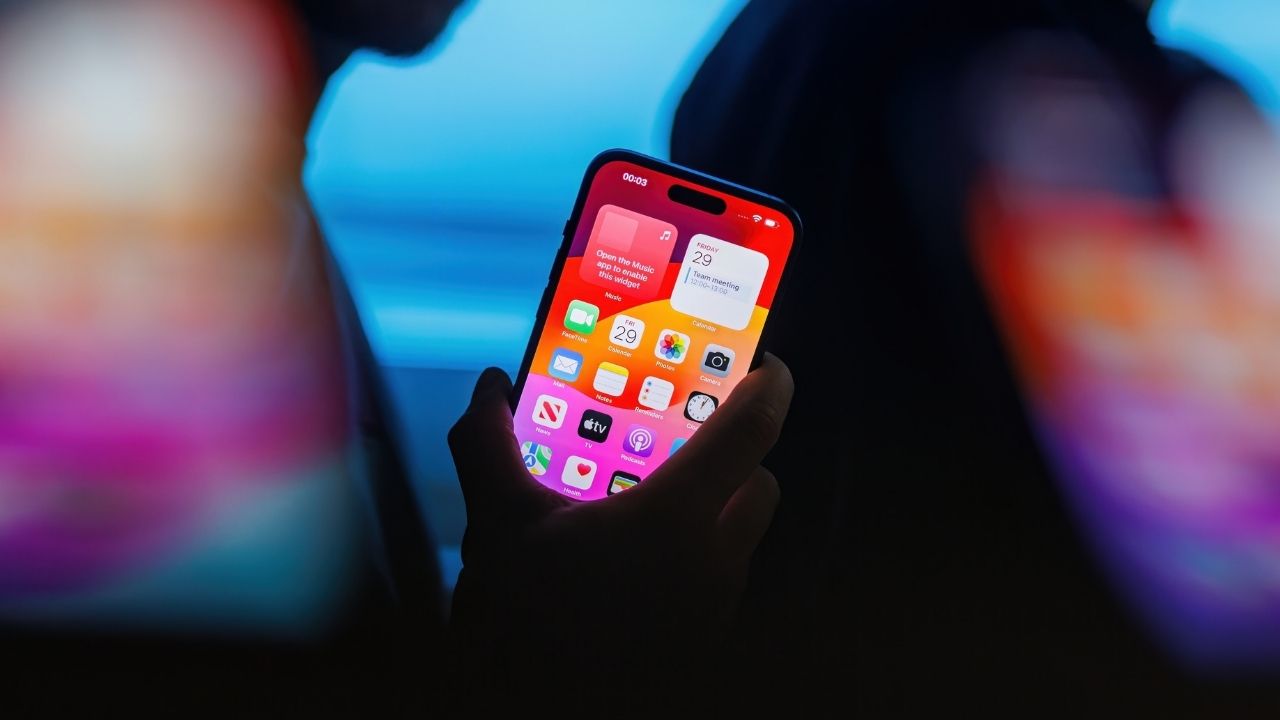
Smartphones can do more than make calls, take pictures, and send messages. Some can also function as remote microphones, amplify nearby conversations through wireless headphones, and convert spoken words into text, raising privacy questions for people who may not realize someone nearby has activated those capabilities.
Apple’s Live Listen accessibility feature allows an iPhone to transmit surrounding audio to compatible AirPods, Beats headphones, or hearing devices. The company designed the technology to help people hear conversations more clearly, particularly in noisy environments.
However, comparable capabilities also exist on Samsung Galaxy phones and other Android devices, making the privacy implications much broader than Apple’s ecosystem.
Live Listen turns an iPhone into a remote microphone. Users can place the phone near a sound source while listening through compatible headphones.
Apple’s user guide identifies additional capabilities, including real-time captions, a 10-second audio rewind function, and controls accessible through another nearby Apple device connected to the same Apple Account.
For example, a user can control an active session through a paired Apple Watch or another compatible device. The technology can display captions on the connected device while the iPhone captures nearby sound.
Apple requires users to activate Live Listen. The feature does not establish that iPhones constantly record nearby conversations or automatically send audio to Apple.
Nevertheless, someone could potentially position a phone near a conversation and listen through connected headphones without the speakers realizing what the device is doing.
Another Live Listen setting, called Remote Control, introduces an additional privacy consideration. The option allows someone to start or stop Live Listen from a nearby compatible Apple device, including a paired Apple Watch, without touching the iPhone itself.
Someone could potentially leave an iPhone near a conversation and activate its microphone remotely from a paired watch without the speakers realizing it.
Users can check by opening Settings > Accessibility > Audio & Visual > Live Listen and turning off Remote Control if they do not want it on. Disabling Remote Control prevents that method of controlling Live Listen but does not disable the core listening feature.
Apple’s Live Captions feature adds another dimension.
On supported iPhones, Live Captions can convert nearby speech into text. Users can copy captions into other applications or preserve what appears on their screens.
Live Listen and Live Captions serve different purposes. Live Listen transmits audio, while Live Captions creates text from speech.
Apple also offers separate phone-call recording and transcription capabilities with their own notification requirements.
Apple does not stand alone.
Samsung Galaxy phones offer an accessibility setting called Amplify Ambient Sound, which allows users to hear sounds around their phones through connected headphones.
Samsung lists the feature under Settings > Accessibility > Hearing Enhancements, although availability depends on the model.
Google offers Sound Amplifier for Pixel phones and other supported Android devices. The feature filters and boosts surrounding sounds, and Google explicitly describes using the phone as a remote microphone with Bluetooth headphones.
Android devices also offer Live Transcribe, which converts nearby speech into written text.
Google says Live Transcribe can retain transcription history for up to three days when users enable that setting. The application can also export stored transcripts, giving users a way to preserve spoken conversations in written form.
These capabilities differ across manufacturers and software versions. Samsung’s amplification feature, for example, does not necessarily offer Apple’s specific rewind or remote-control functions.
Still, the broader capability exists across major smartphone platforms: A device that appears to sit idle on a table may also serve as an active microphone.
Texas law draws an important distinction between participating in a conversation and intercepting one without consent.
Texas generally follows a one-party consent rule. Someone participating in a conversation can ordinarily record it without obtaining permission from every other participant.
However, a person who is not participating cannot automatically rely on that exception to intercept a private discussion.
Texas Penal Code Section 16.02 governs unlawful interception of wire, oral, and electronic communications.
The Texas State Law Library explains that the law considers whether speakers reasonably expect privacy. A conversation inside a private office may have different legal protections than one occurring openly in a public place.
The law does not specifically outlaw Apple’s Live Listen, Samsung’s amplification features, or Google’s Sound Amplifier.
An accessibility function does not grant unrestricted permission to listen to legally protected private conversations.
Smartphone operating systems provide microphone-use indicators, but those indicators primarily inform the device owner. They do not automatically notify everyone whose speech enters the microphone.
Likewise, disabling Live Listen on one’s own iPhone does not prevent another person from activating a comparable feature on a different phone.
Users can review their accessibility settings, microphone permissions, connected devices, and transcription-history options. Someone who relies on hearing assistance can continue using these legitimate tools while reviewing the privacy controls.
The issue extends beyond whether technology can capture nearby speech. Smartphones have long contained microphones and recording applications. Accessibility tools now make amplification and transcription easier for people who need them.
That convenience also raises questions about consent, awareness, and potential misuse.
As smartphone manufacturers continue expanding their accessibility and transcription capabilities, the distinction between helping someone hear and allowing someone to listen without others’ knowledge becomes increasingly important.
Provided by Dallas Express


